Quick Answer: Mobile technology for fleets means driver apps, ELDs, GPS tracking and document scanning that connect drivers to the office from the cab. A good setup lets drivers get loads, send PODs and message dispatch without phone calls or paperwork. Read on for a practical look at fleet manager.
“Let’s be clear: your job is tough. As a Fleet Manager, you’re managing drivers, vehicles, schedules, and safety, often with systems that feel outdated. But there’s good news: the tools to simplify your work already exist. They’re reliable, secure, and designed for fleets like yours.
In this guide, I’ll explain how mobile and cloud technology can help you work smarter, stay compliant, and improve your operations using clear language and trusted sources.
On this page
What This Means for You
Mobile technology in fleet management isn’t about flashy apps, it’s about solving daily problems. Think of it as giving you and your team the right tools to:
- Save time on paperwork and manual tracking
- Reduce errors with automated, digital records
- Stay compliant with regulations like the ELD mandate
- Improve communication between drivers, managers, and customers
The Federal Motor Carrier Safety Administration (FMCSA) supports the move to digital tools for safety and compliance. Their Electronic Logging Device (ELD) Rule explains how technology helps track driver hours accurately. You can review the official guidelines here: FMCSA ELD Information.
Real Scenarios, Real Solutions
| Common Challenge | Mobile + Cloud Solution | Why It Works |
|---|---|---|
| Lost or delayed paperwork | Drivers take photos of documents with their phones. The files sync instantly to your office. | No more waiting for drivers to return to the office. Invoices go out faster. |
| “Where’s my driver?” calls | Live GPS tracking shows vehicle locations on a map. | You can give customers accurate ETAs and reroute drivers in real time. |
| Missing maintenance records | Digital logs with automated reminders for upcoming services. | Prevents breakdowns and keeps vehicles in compliance. |
| Manual data entry | Information flows automatically from mobile devices to your system. | Frees up your team for more important tasks. |
Understanding Fleet Manager’s Cloud Technology
You may have heard “the cloud” and wondered what it really means. Simply put:
- It’s secure online storage for your fleet’s data, like maintenance records, driver logs, and billing documents.
- You control who has access, drivers, managers, and office staff can see only what they need.
- It’s backed up automatically, so you don’t lose information if a device fails.
Leading companies like Google provide secure cloud infrastructure used by businesses worldwide. You can learn more about enterprise cloud security here: Google Cloud Security.
Being Found Online: Local SEO for Fleets
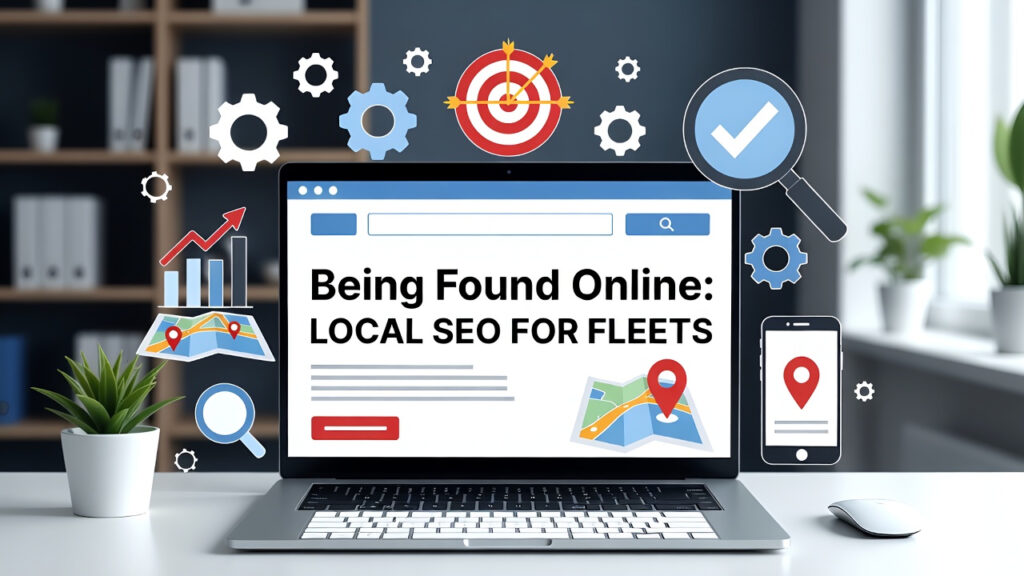
When customers in your area search for “fleet services near me” or “local trucking company,” you want to appear in their results. Here’s how:
1. Claim and Complete Your Google Business Profile
- Add your service areas, contact information, and fleet photos
- Ask satisfied customers to leave reviews
- Post regular updates about your services
2. Ensure Your Website Works Well on Phones
- Most searches happen on mobile devices
- A fast, easy-to-use site helps customers find you
Google provides free tools to check your site’s mobile performance: Google Mobile-Friendly Test.
3. Use Clear, Helpful Content
- Explain your services in simple terms
- List the areas you serve
- Show how you solve common customer problems
Getting Started: A Simple Plan
You don’t need to change everything at once. Start with one improvement:
Week 1-2: Choose one process to digitize
- Start with delivery confirmations or driver logs
- Pick a simple, well-reviewed tool
Week 3-4: Train a small pilot group
- Work with 2-3 drivers who are open to technology
- Fix any issues as they come up
Month 2: Review and expand
- Did it save time? Reduce errors?
- If yes, roll it out to more drivers
- If no, adjust your approach
Final Thoughts
Modern fleet management isn’t about working harder, it’s about working smarter. The right technology like HoirzonGO helps you:
- Meet regulations more easily
- Serve customers better
- Manage your team more effectively
- Grow your business with confidence
The tools are here, they’re proven, and they’re designed for fleets like yours. Your next step is simply choosing where to start.
For more information on transportation technology and compliance, visit the American Transportation Research Institute. Their research provides data-driven insights for fleet managers.
What a Fleet Manager Can Do From a Phone
Fleet managers are rarely at a desk all day. A good fleet management app puts tracking, alerts and approvals in their pocket.
Fleet Manager App Features
- Live map of every truck
- Alerts for delays
- Driver messaging
- Approve settlements
- View scanned PODs
- Check HOS status
- Daily KPI snapshot
- Customer ETA links
See cloud fleet management and the truck driver app.
Frequently Asked Questions
What is a fleet management app?
A mobile app that lets fleet managers track vehicles, message drivers and act on alerts from a phone.
Do drivers need a separate app?
Usually yes. Drivers use a driver app for loads and documents, while managers use a manager app or web dashboard.