Quick Answer: A good dispatch software demo should run your real workflow: book a load, dispatch it, track it, collect the POD and send the invoice. Prepare a short checklist, involve a dispatcher and a driver, and ask about pricing, onboarding and support before you sign.
If you’re searching for trucking dispatch software, you’re probably asking the same questions almost every dispatcher asks at the start:
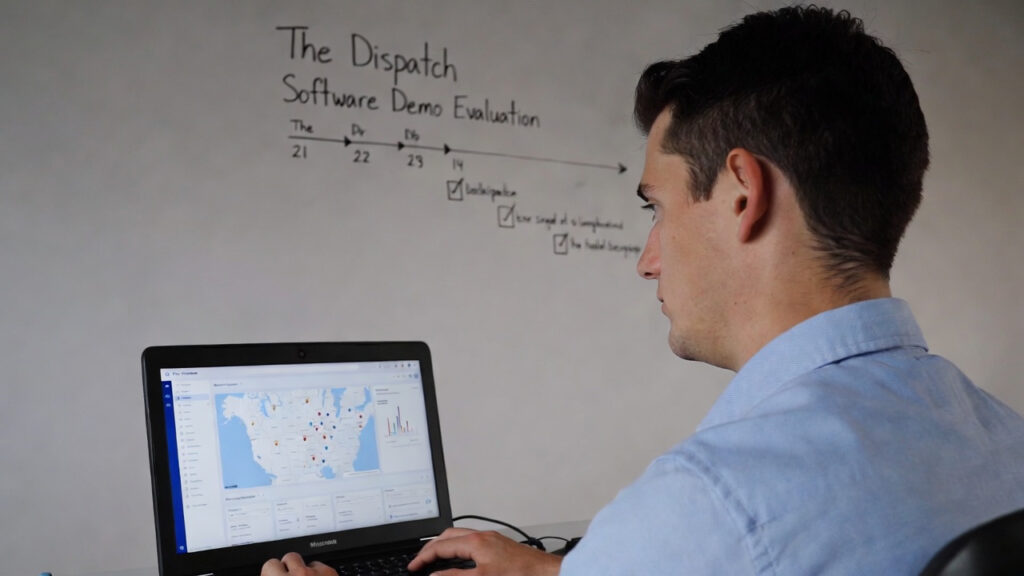
Why do I need to book a call first?
Why can’t I download a free demo?
Whether you’re preparing for a demo of the HorizonGO Software Suite or comparing other dispatch platforms, this article will help you understand why the process works this way, and how it actually saves you time.
Many people find us through Google, Capterra, or searches like:
free dispatch software, truck dispatcher, or trucking dispatch companies.
You click, explore, and think:
“Let me just try it myself, no pressure.”
Totally fair. We all love instant access, but then you hit the page and there’s no download button. Let’s explain why, in plain, simple words.
On this page
Why Can’t I Download Free Trucking Dispatch Software?
Short answer:
Because it wouldn’t work properly without your data.
Trucking dispatch software isn’t a basic app. It’s designed to:
- Manage real loads
- Track drivers and carriers
- Match routes and rules
- Support your dispatch workflow
Without setup, a free download would:
- Show empty screens
- Have no loads or drivers
- Feel confusing
- Give the wrong impression
That’s not helpful, and we know it.
Trucking Dispatch Software Is Not One-Size-Fits-All
Every dispatch operation is different.
Some manage:
- Company drivers
- Owner-operators
- Brokers and carriers
- Mixed fleets
The software must be configured based on:
- Your business size
- Your workflow
- Your integrations
- Your growth plans
That’s why guided demos exist, not to sell you, but to set things up the right way.
Free Download vs Guided Demo (Quick Comparison)
| Free Download | Guided Dispatch |
|---|---|
| Generic setup | Customized for your operation |
| No real data | Real-world examples |
| Confusing screens | Clear walkthrough |
| Guessing features | See what you actually need |
| No support | Live expert guidance |
| Time wasted | Time saved |
What Is a Dispatch Demo Evaluation Call?
Before anything, we schedule a 15-minute Dispatch Evaluation call.
This call is:
- Short
- Friendly
- Pressure-free
- 100% about your needs
It helps us understand:
- How you dispatch today
- What problems you want solved
- Which features matter most
After that, we schedule a demo built specifically for you.
What Information Helps Before the Demo?
If you have it, great. If not, no stress.
Helpful details include:
- Budget range
- Customization needs
- Third-party integrations
- Number of users, drivers, or carriers
- Current dispatch method
- Hosting preferences
Even partial answers help us tailor the demo.
Bonus: Prepare Like a Pro Before Any Demo
To make things even easier, we created a free dispatch software guide.
Everything You Need to Know About Trucking Dispatch Software
Inside the guide:
- How to choose the right software
- What features actually matter
- Demo prep checklists
- Setup and implementation tips
No fluff. No tech overload. Just clear guidance.
Final Words
Trucking dispatch software requires setup using real business data. A demo call allows the software provider to configure features, users, and workflows correctly so customers can see real value instead of a blank system.
15 Questions to Ask in a TMS Demo
Bring three real loads to every demo and ask the vendor to run them from quote to invoice. Then ask these questions.
TMS Demo Questions
- Can you run my real loads?
- How does the driver app work?
- Which ELDs do you integrate?
- How is invoicing done?
- How are settlements calculated?
- What does onboarding include?
- What does support cost?
- What is the total 2-year cost?
Compare platforms in the best TMS software and book a HorizonGO demo.
Dispatch software demo: Frequently Asked Questions
How long should a TMS demo take?
About 45 to 60 minutes for a first demo, plus a follow-up with your own data.
What should I prepare for a dispatch software demo?
A few real loads, your must-have integrations and questions from dispatch, drivers and accounting.